'%20clip-path='url(%23clip-path)'%3e%3cpath%20id='Pfad_859'%20data-name='Pfad%20859'%20d='M112.437,39.789a39.512,39.512,0,0,0,10.412-.978c8.686-2.472,10.392-10.258,10.392-18.364,0-13.8-5.331-19.35-18.906-19.35H98.4V2.362c5.407.69,5.464,1.265,5.464,6.554V39.789ZM110.193,6.9c0-3.1,2.186-3.1,4.717-3.1,11.275,0,12.022,7.359,12.022,16.673,0,10-1.265,16.615-12.77,16.615-3.221,0-3.969-.747-3.969-3.795Z'%20transform='translate(-41.996%20-0.468)'%20fill='%23f40752'/%3e%3cpath%20id='Pfad_860'%20data-name='Pfad%20860'%20d='M171.556,39.324V0l-12.08,1.322V2.587c5,.632,5.753.4,5.753,5.634v31.1Z'%20transform='translate(-68.061%200)'%20fill='%23f40752'/%3e%3cpath%20id='Pfad_861'%20data-name='Pfad%20861'%20d='M80.341,39.789,66.305,1.1H55.491V2.362c1.783.287,4.429.287,4.429,2.7a20.239,20.239,0,0,1-.978,3.392L47.495,39.789h3.567l4.315-11.958H70.044l4.315,11.958ZM69.066,25.129H56.354L62.509,8.341Z'%20transform='translate(-20.27%20-0.468)'%20fill='%23f40752'/%3e%3cpath%20id='Pfad_862'%20data-name='Pfad%20862'%20d='M204.888,39.8V3.805H208.8c4.315,0,6.27,1.322,6.27,5.807h1.611l-.23-8.509H187l-.23,8.336h1.61c.346-4.369,1.841-5.634,6.213-5.634h3.97V39.8Z'%20transform='translate(-79.71%20-0.471)'%20fill='%23f40752'/%3e%3cpath%20id='Pfad_863'%20data-name='Pfad%20863'%20d='M271.176,25.067c0,6.727-.46,12.188-8.8,12.188s-8.226-7.186-8.226-13.511V0l-12.08,1.322V2.588c5.062.632,5.753.46,5.753,5.634v18.4c0,9.372,4.487,13.338,13.805,13.338,11.332,0,13.69-5.462,13.69-15.523V.633h-4.142Z'%20transform='translate(-103.311%20-0.001)'%20fill='%23f40752'/%3e%3cpath%20id='Pfad_864'%20data-name='Pfad%20864'%20d='M306.354,38.462a42.618,42.618,0,0,0,10.066,1.494c7.421,0,14.439-2.759,14.439-11.326,0-12.3-18.7-11.5-18.7-20.352,0-3.45,2.071-5.576,5.522-5.576a24.778,24.778,0,0,1,10.3,2.587V1.035A49.594,49.594,0,0,0,318.779,0c-6.442,0-12.943,2.472-12.943,9.946,0,12.13,18.695,11.268,18.695,20.582,0,4.6-2.819,6.727-7.19,6.727-3.739,0-7.823-1.61-10.987-3.45Z'%20transform='translate(-130.525%200)'%20fill='%23f40752'/%3e%3cpath%20id='Pfad_865'%20data-name='Pfad%20865'%20d='M23.039,39.794V1.1H0V39.794H5.233l4.194-7.886L5.236,25.133h4.19l4.187,6.776L9.43,39.794h2.087l4.194-7.886L11.52,25.133h4.19L19.9,31.909l-4.184,7.886Z'%20transform='translate(0%20-0.471)'%20fill='%2366676c'/%3e%3c/g%3e%3c/svg%3e)
Your ticket shop, part of your website.
Visitors choose, register and pay for tickets directly on your pages: no redirect to another shop, in your brand's look. Events, prices, availability, payment and tickets keep running through ADITUS.
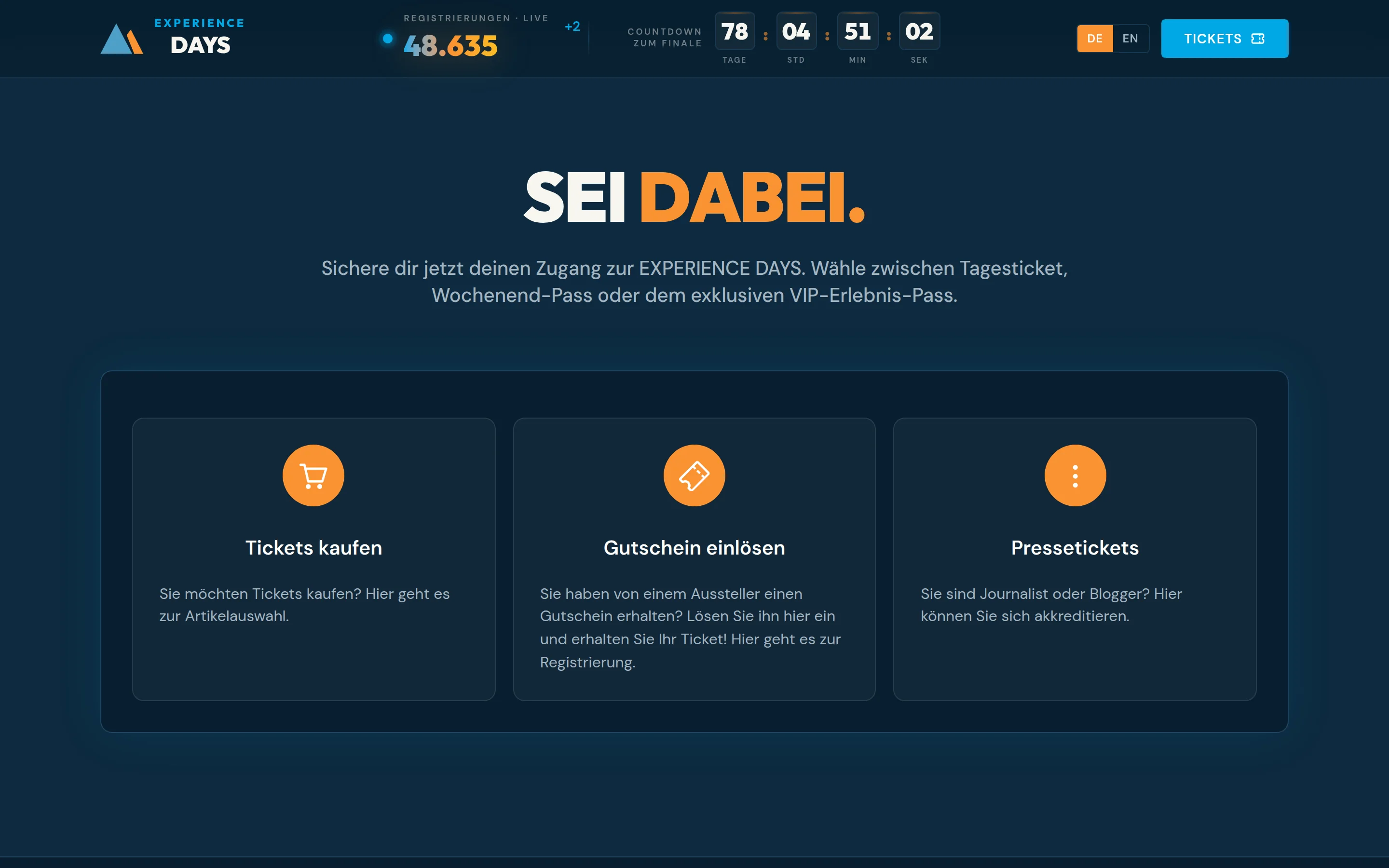
What the Micro Frontend is
The Micro Frontend is the ADITUS ticket shop as a building block for your website. Your web team places it on any page, and it looks and behaves like part of that page.
Visitors stay with you
No jump to a separate shop domain and no embedded foreign window. Navigation, header and footer of your site stay in view throughout the purchase.
It looks like your brand
Colours, fonts and shapes follow your brand. Without any adjustment, the shop uses the colours of your event from ADITUS.
ADITUS runs it
Events, prices, availability, payment and tickets come live from your ADITUS ticket shop. You maintain nothing twice, and updates reach your site automatically.
How a purchase works
Four steps, all on your page. The screenshots come from the ExperienceDays demo site.
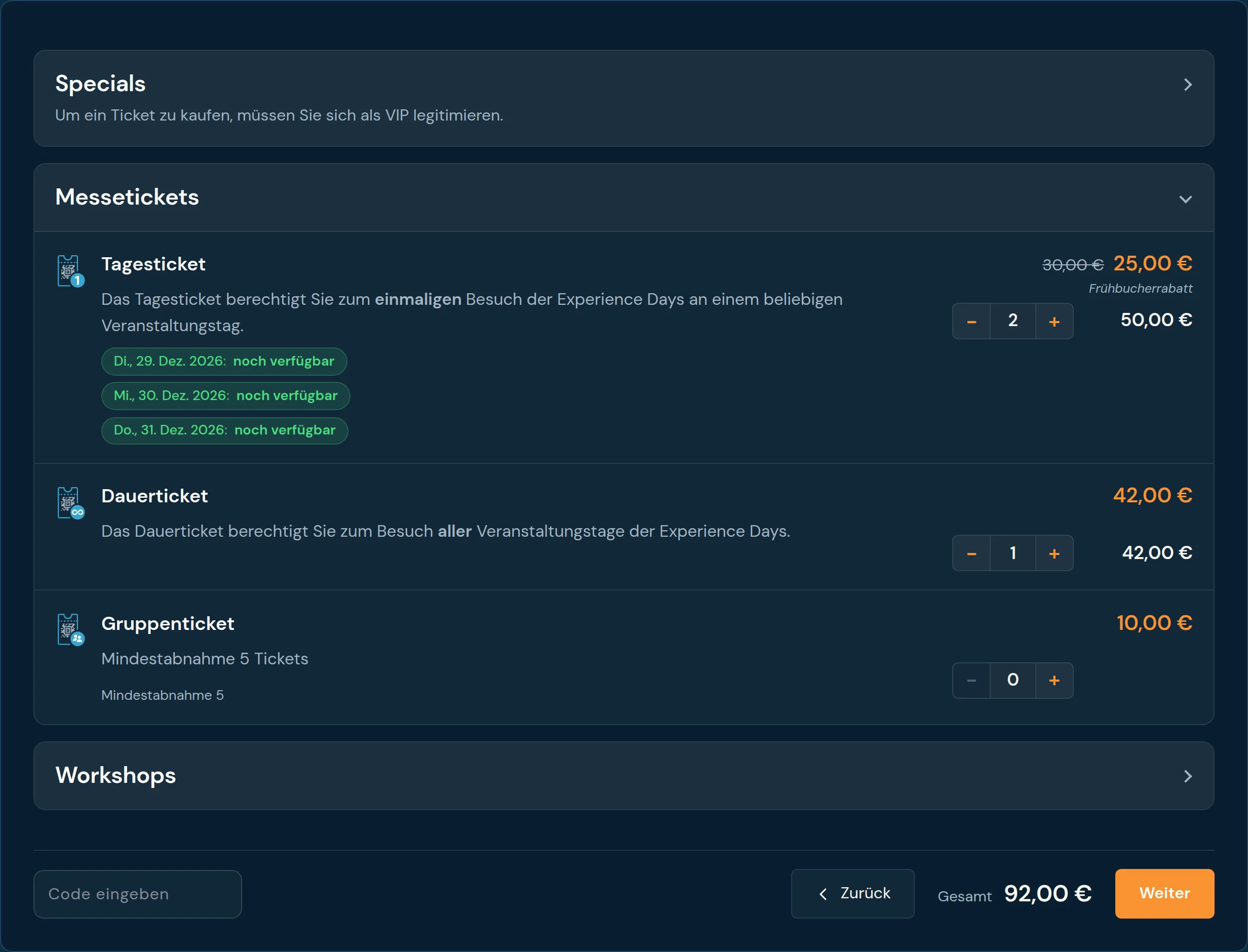
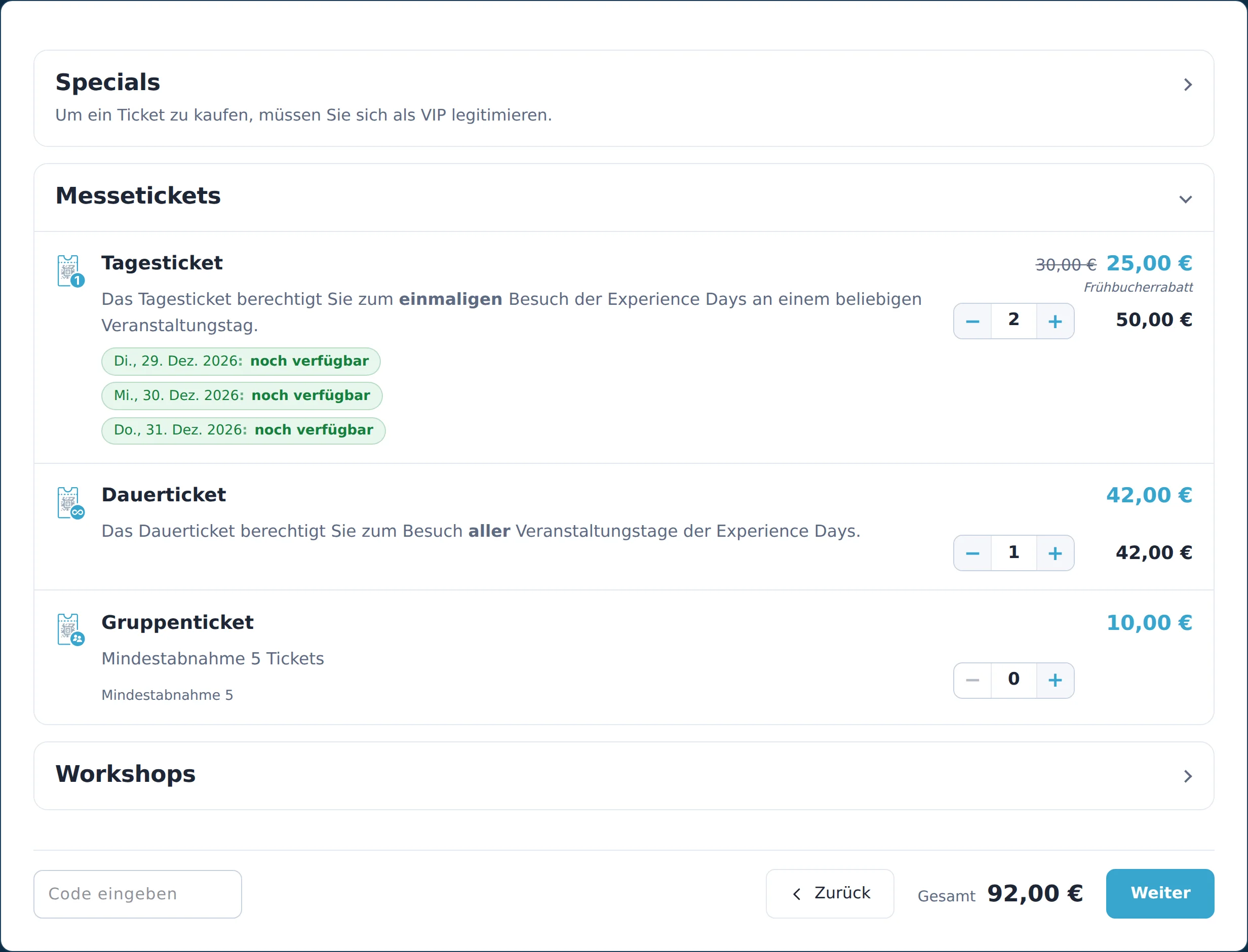
Choose tickets
Ticket types with prices, discounts and remaining availability. Promotion codes and vouchers are redeemed right here.
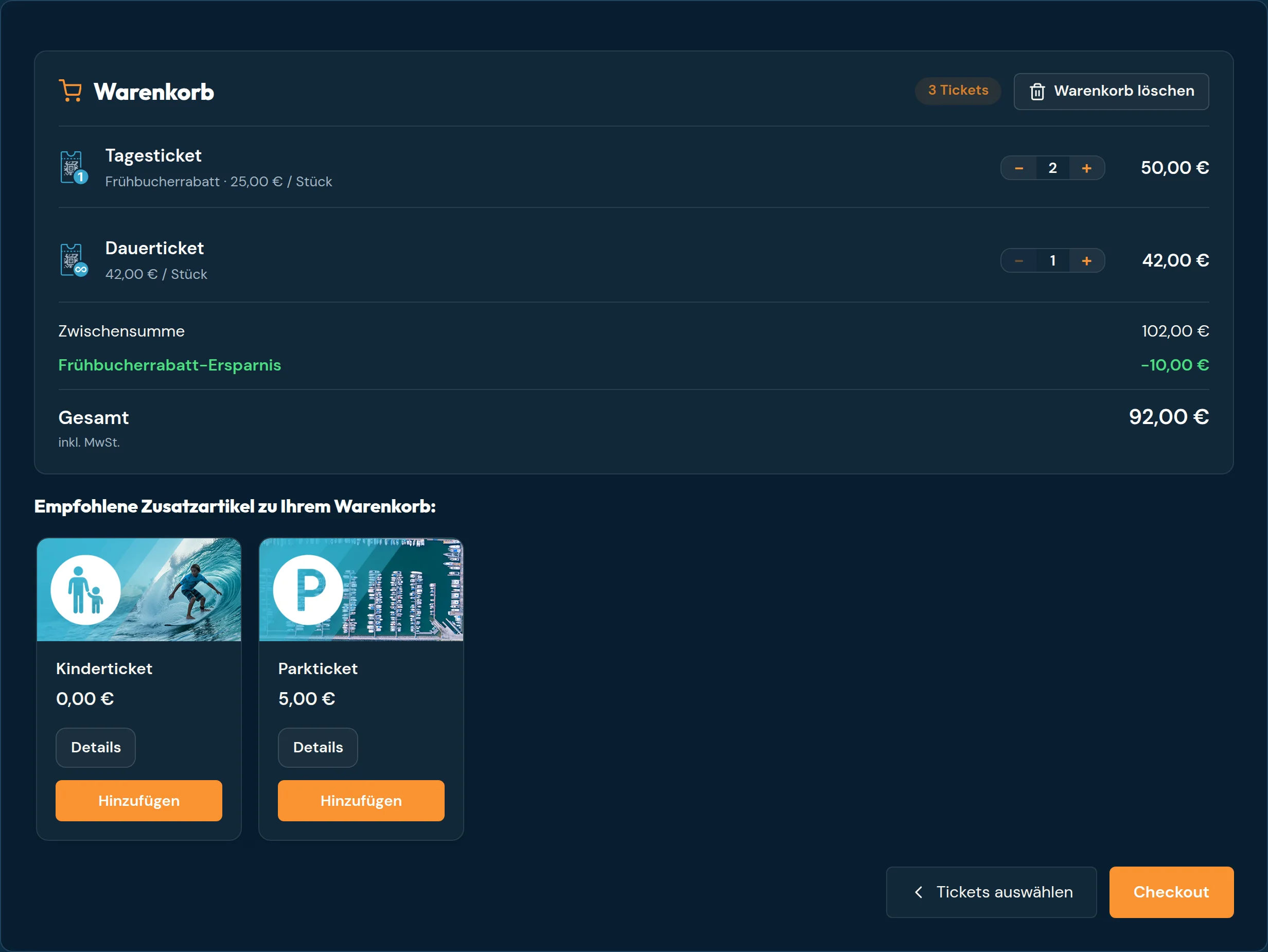
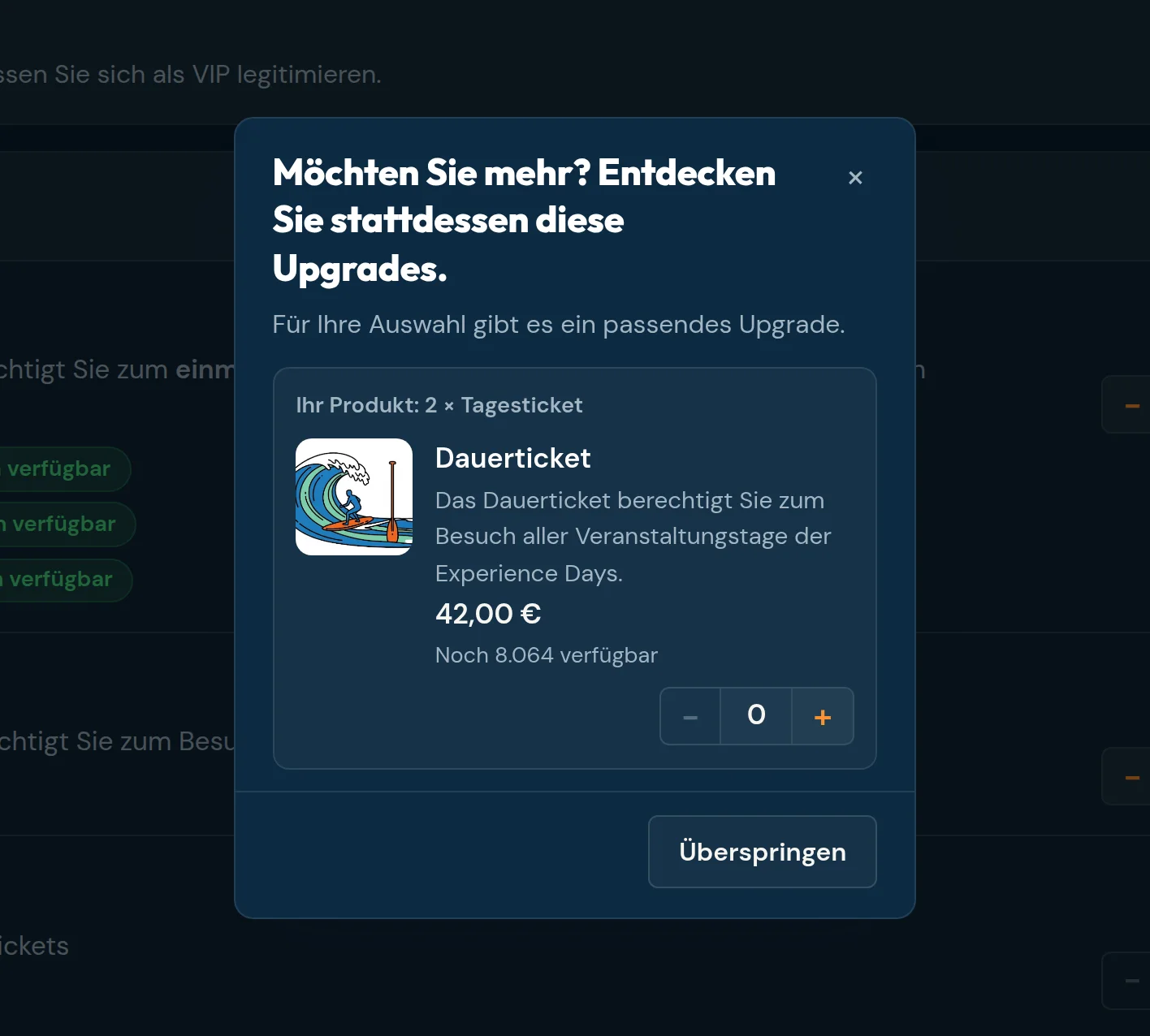
Review the cart
A clear summary of all items. The shop suggests suitable add-ons if you have set them up in ADITUS.
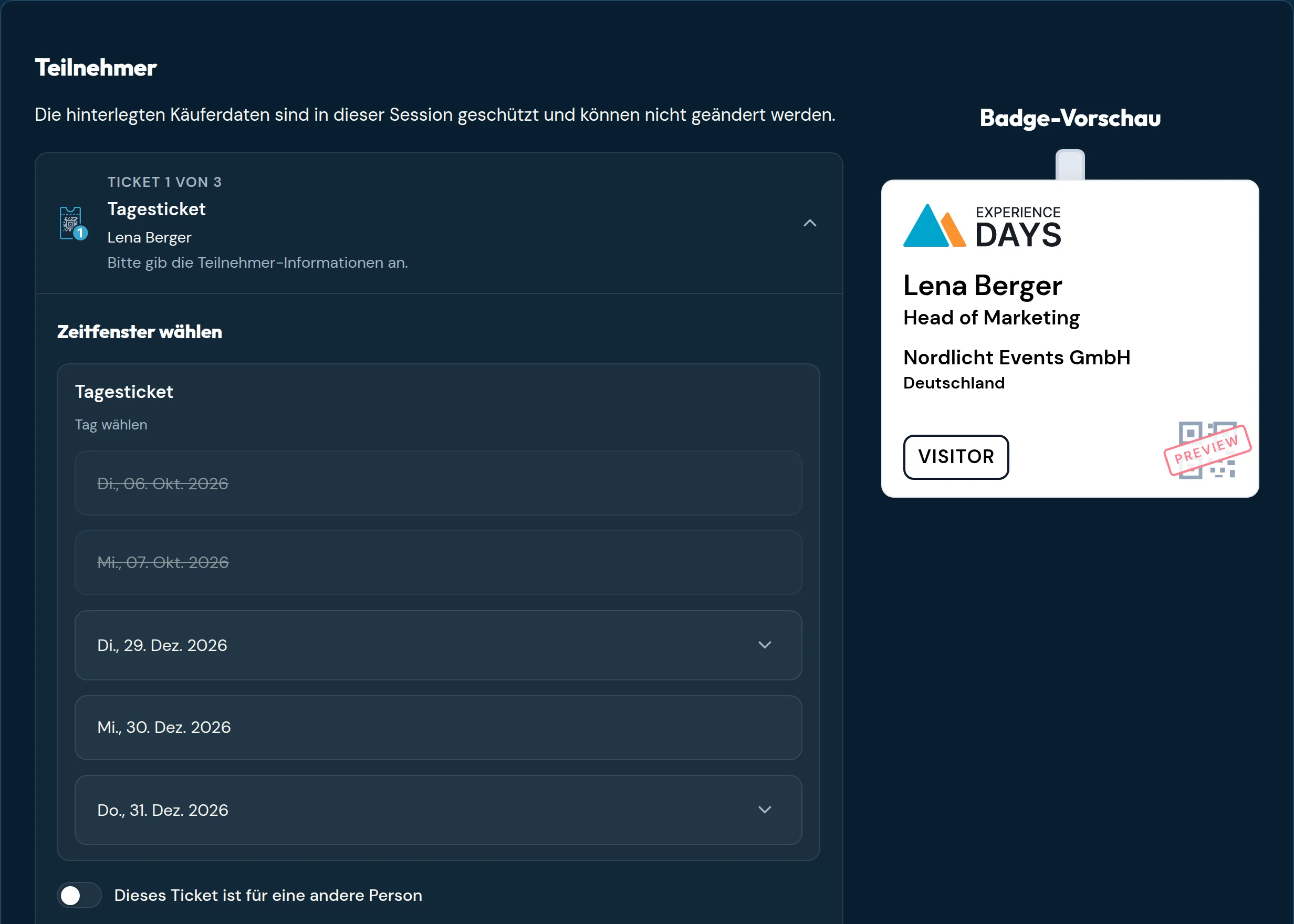
Register attendees
Each ticket gets its attendee, with your questions and, where provided, time slots and a badge preview.
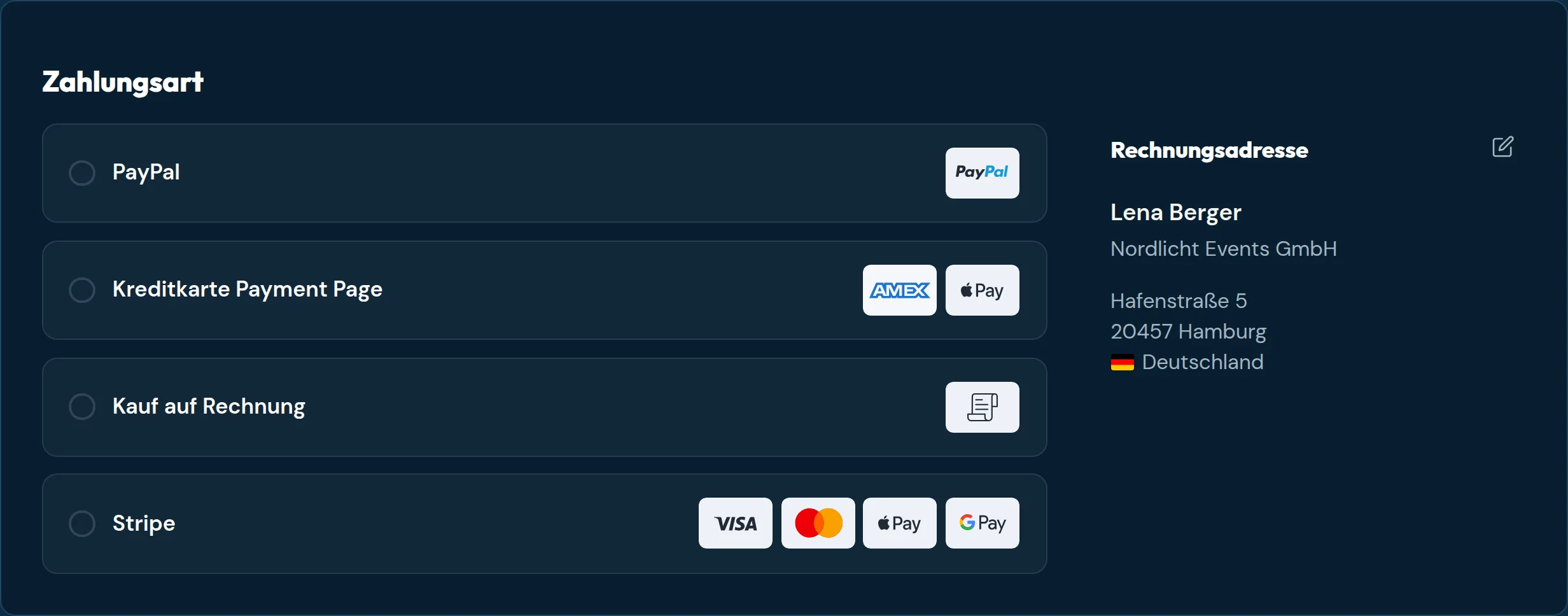
Pay
All payment methods set up in your ticket shop. The buyer then receives the confirmation and the tickets, optionally also for Apple Wallet and Google Wallet.
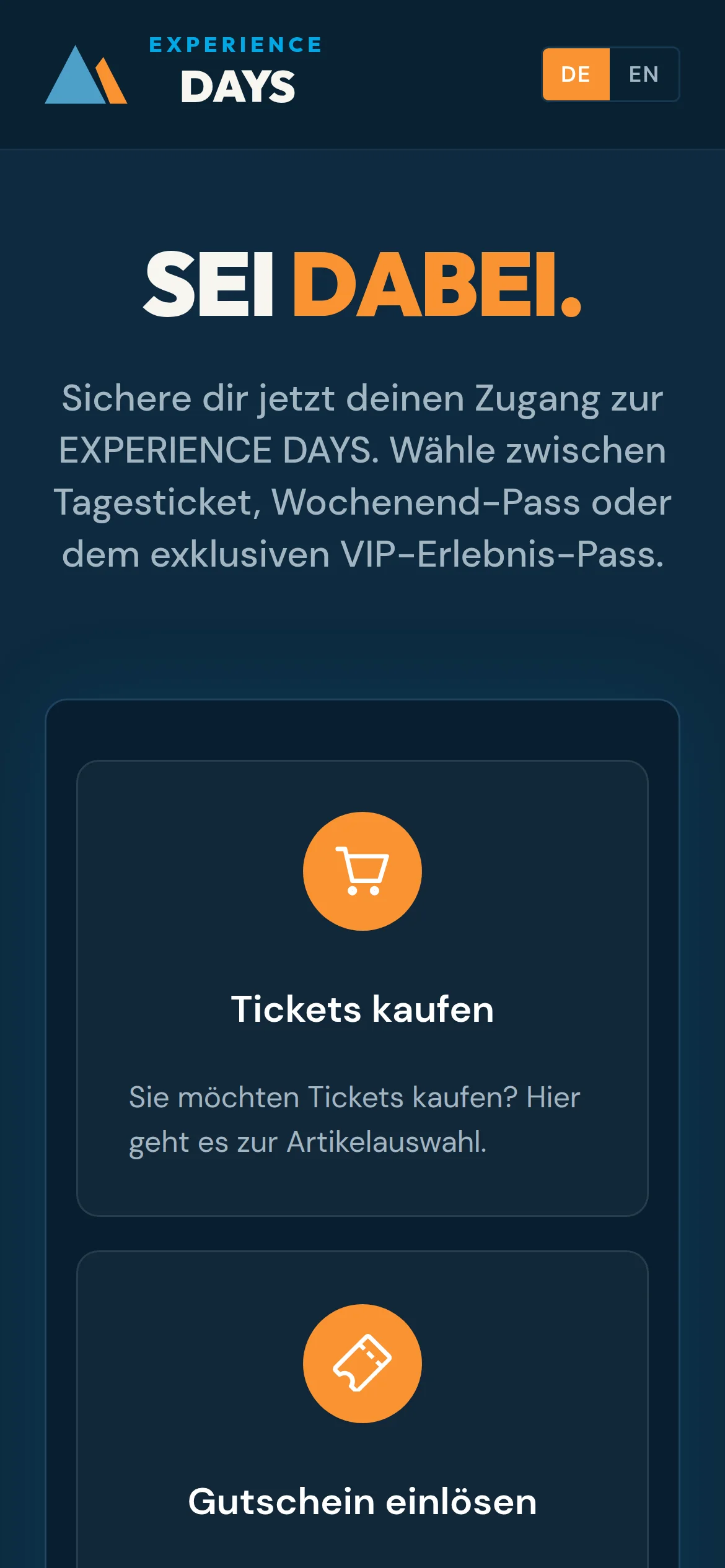
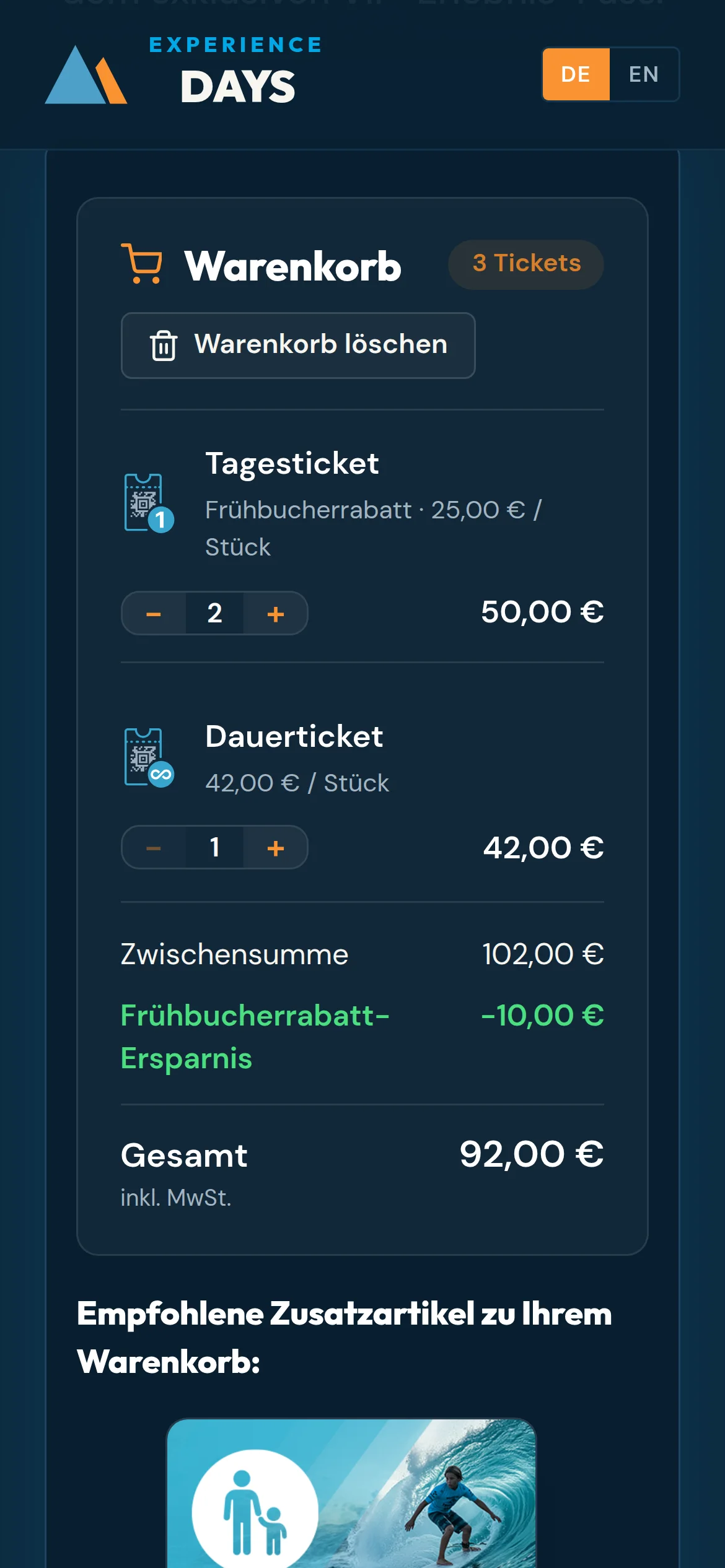
Made for the smartphone too
Many tickets are bought on a phone. The shop adapts to small screens by itself, so you do not need a separate mobile version.
The base setup
The quickest start: your web team adds two lines of code to the page, and ADITUS enables your website. No server of your own and no programming needed.
Already included
- The complete purchase from ticket selection to the ticket
- Vouchers and promotion codes
- Attendee registration with your questions and time slots
- Upgrades and add-ons, as configured in ADITUS
- All payment methods of your ticket shop
- Your event's colours from ADITUS
- German and English shop interface
- Desktop, tablet and smartphone
Buyers enter their details in the shop. Linking to customer accounts on your site is add-on level 2.
Optional add-on levels
Each level builds on the base setup and can be added later. You choose how deep the integration goes.
Level 1
Match your brand
Worth it if the shop should match your website exactly, beyond the event colours.
Colours, fonts, corner radii and spacing are set visually in the styling tool. The result is a small configuration your web team adds.
Without custom styling With the ExperienceDays styling Effort: settings in the styling tool, no programming
Open the styling tool →Level 2
Connect your customer accounts
Worth it if visitors sign in on your site, for example in a member area, customer account or exhibitor portal.
Your site tells the shop who is buying. Known customers do not sign in a second time; their buyer data is taken over and stays protected in the shop.
Effort: a small extension on your web server
Technical details →Level 3
Interlock with your website
Worth it if the shop should be part of your website's navigation, measurement and processes.
- Mini cart in your page header
- Sales in Google Analytics 4
- Your own confirmation page after the purchase
- The browser's back button and swipe gesture go one step back in the shop
Effort: small additions by your web team, each feature on its own
Technical details →Level 4
Full build-out
Worth it if ticket sales are a central part of your website.
All levels combined: your design, your sign-in, your cart in the header, your confirmation page and your analytics. For visitors, the shop can no longer be told apart from your website.
Effort: levels 1 to 3 together, usually introduced step by step
See integration examples →
Next steps
This page gives an overview. Every technical detail is in the documentation.
Questions about your project? Contact us